Introduction
When documenting an existing building, industrial facility or construction site, collecting accurate 3D data is only the first step.
The bigger question is:
What should you do with the captured data?
A 3D laser scanner can capture millions of points from the physical environment and create a point cloud. But project teams may need different outputs from that information.
Some projects only require 2D drawings.
Others need a detailed 3D BIM model containing architectural, structural or MEP information.
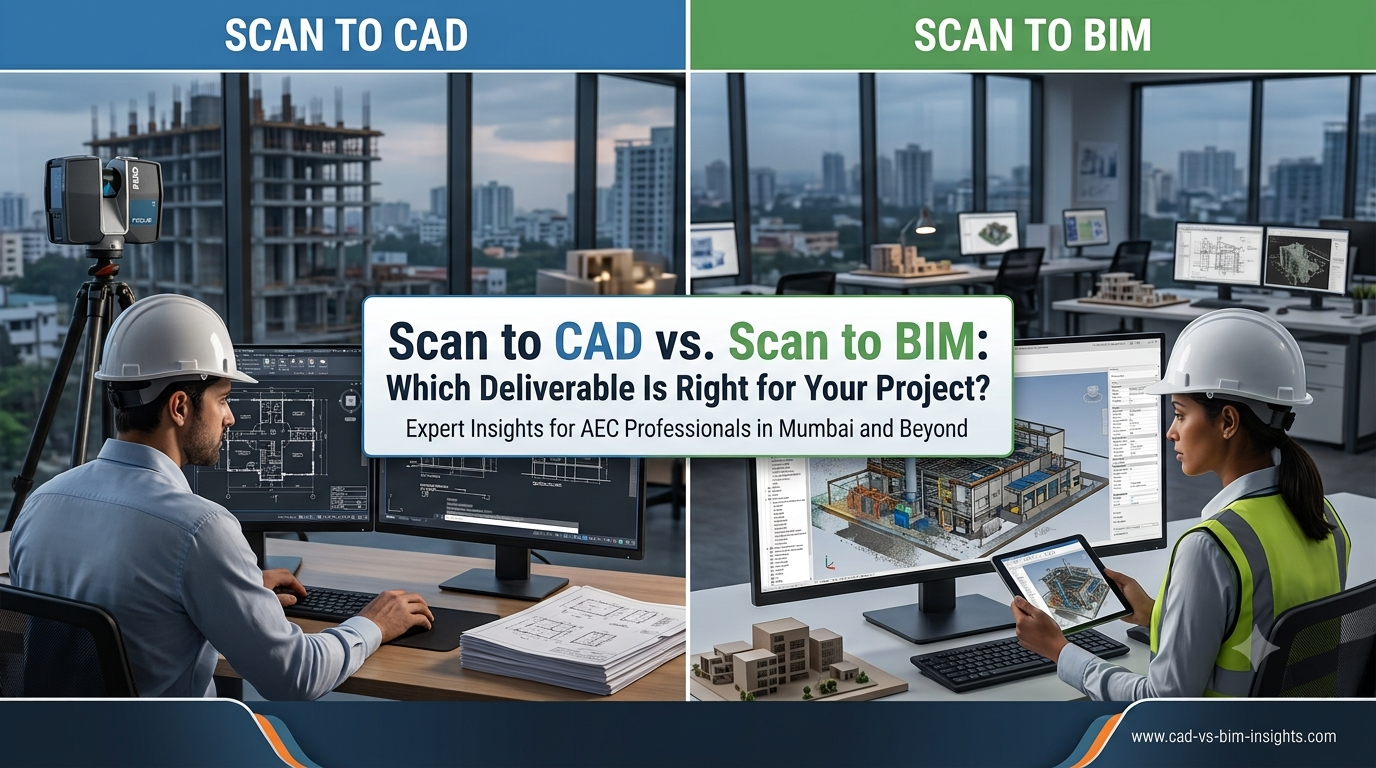
This is where the difference between Scan to CAD and Scan to BIM becomes important.
Both workflows start with reality-capture data, but they produce different deliverables and serve different project requirements.
In this guide, we’ll explain:
- What Scan to CAD means
- What Scan to BIM means
- Key differences
- Deliverables
- Accuracy
- Costs
- Applications
- Advantages and limitations
- Which option is right for your project
What Is Scan to CAD?
Scan to CAD is the process of converting 3D scanning or point-cloud data into 2D or 3D CAD drawings.
The workflow typically looks like:
Existing Building
?
3D Laser Scanning
?
Registered Point Cloud
?
CAD Drafting
?
2D / 3D CAD Drawings
The resulting drawings can document the actual physical conditions of the surveyed environment.
Typical CAD deliverables include:
- Floor plans
- Elevations
- Sections
- Reflected ceiling plans
- Roof plans
- Site plans
- MEP drawings
- Structural drawings
- 3D CAD geometry
What Is Scan to BIM?
Scan to BIM is the process of using reality-capture data